
Download Webcam Effects – video chat fun, virtual background, face filter, real-time filter, fun masks, silly masks, video call entertainment, online meeting humor, video chat tools
Overview
Webcam Effects is a mobile application crafted to enhance the experience of video chats by introducing real-time visual transformations. Designed for users seeking lighthearted and entertaining interactions, the app enables instant changes to appearance and surroundings during online meetings, casual calls, or social video sessions. Its core purpose is to inject humor and creativity into virtual communication, making routine conversations more engaging and memorable. The app caters to a broad audience, including friends, families, remote workers, and content creators who value fun and personalization in their digital presence.
Developed by WebCam Effects, Inc., the application has been available since 2011, indicating a long-standing presence in the mobile app ecosystem. Although the developer did not provide additional technical details, the app’s continued relevance suggests a stable and functional design. Real-world use cases include surprise moments during virtual birthdays, playful interactions in remote team check-ins, and entertaining livestreams. In an era where digital communication dominates, Webcam Effects fills a niche by transforming standard video calls into dynamic, interactive experiences. It stands out as a utility tool that prioritizes user enjoyment without compromising core functionality.
Key Features & Functionality
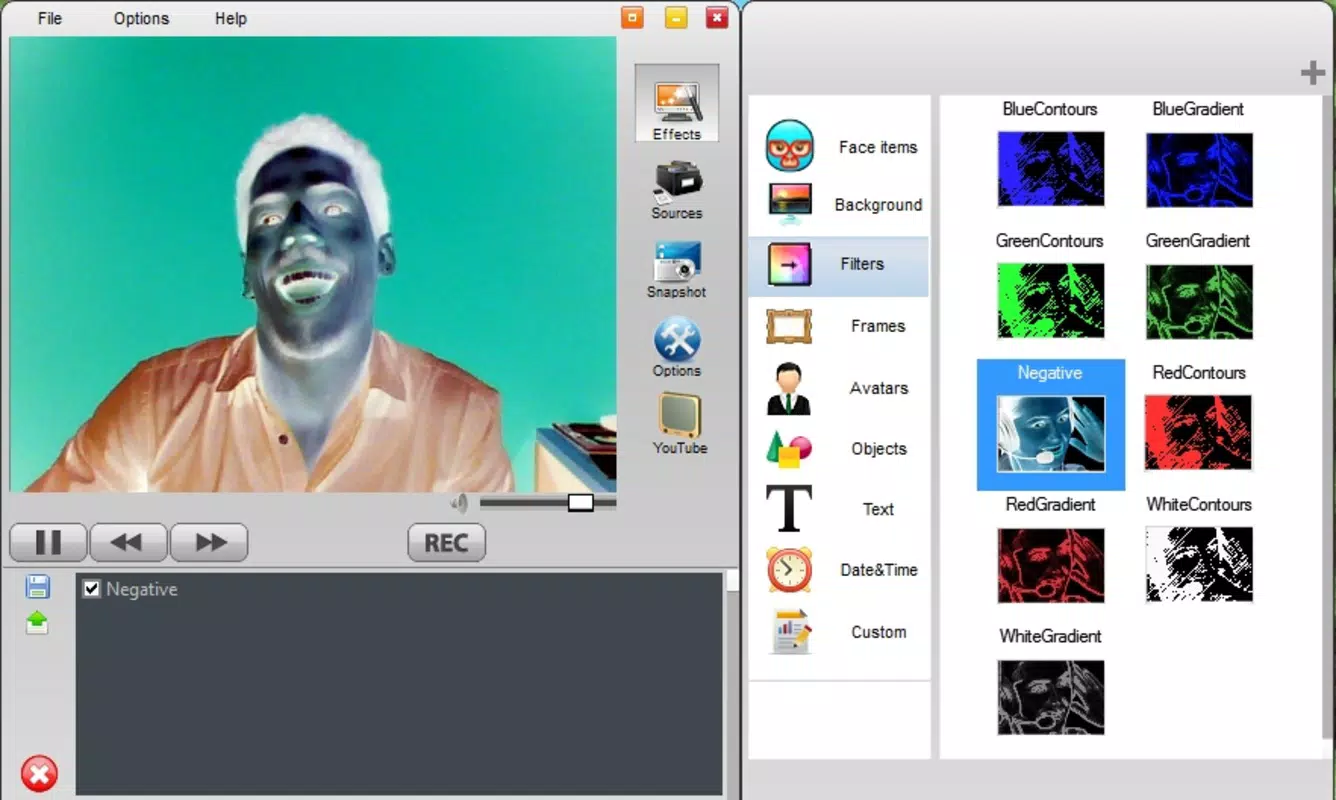
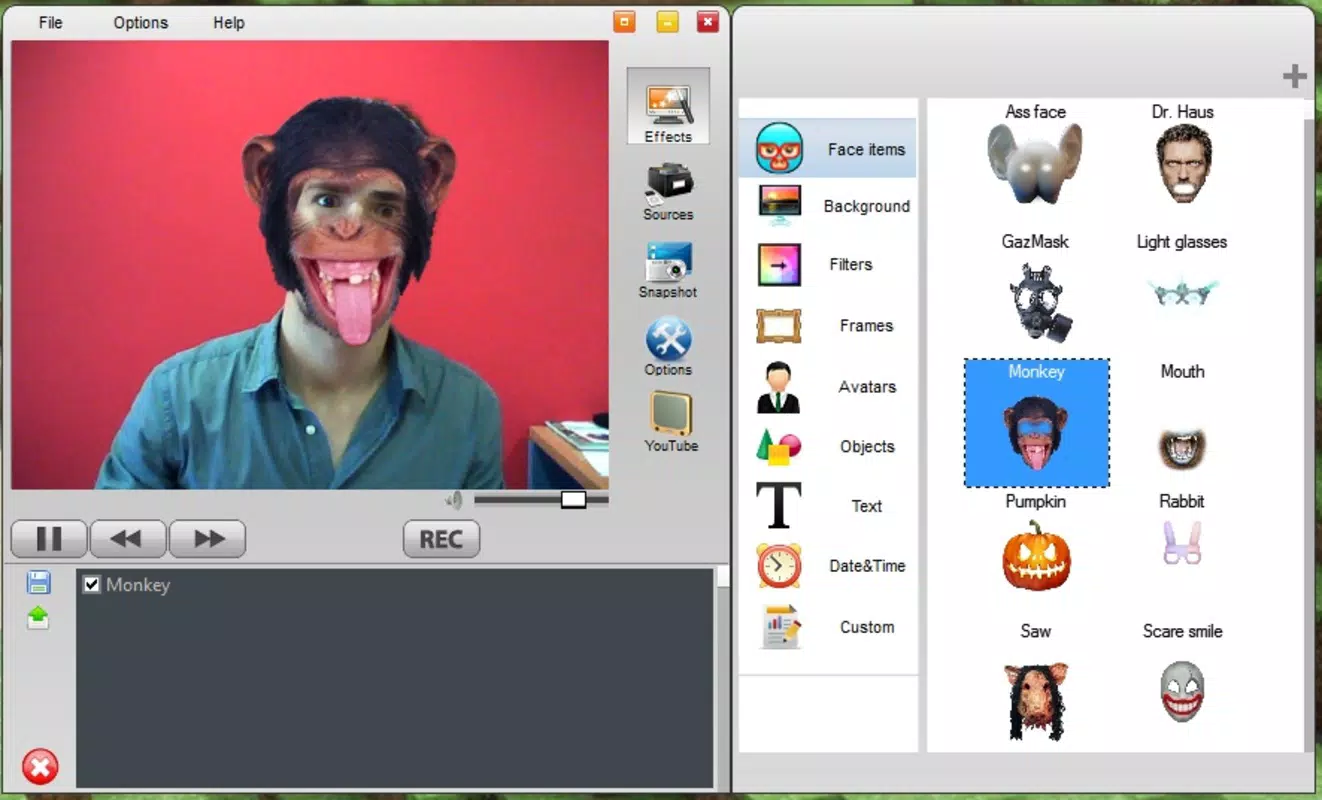
- Real-Time Effects: The app applies visual filters and transformations instantly during video calls, allowing users to modify their appearance or environment without delay. This feature supports seamless transitions between effects, ensuring a smooth and uninterrupted experience.
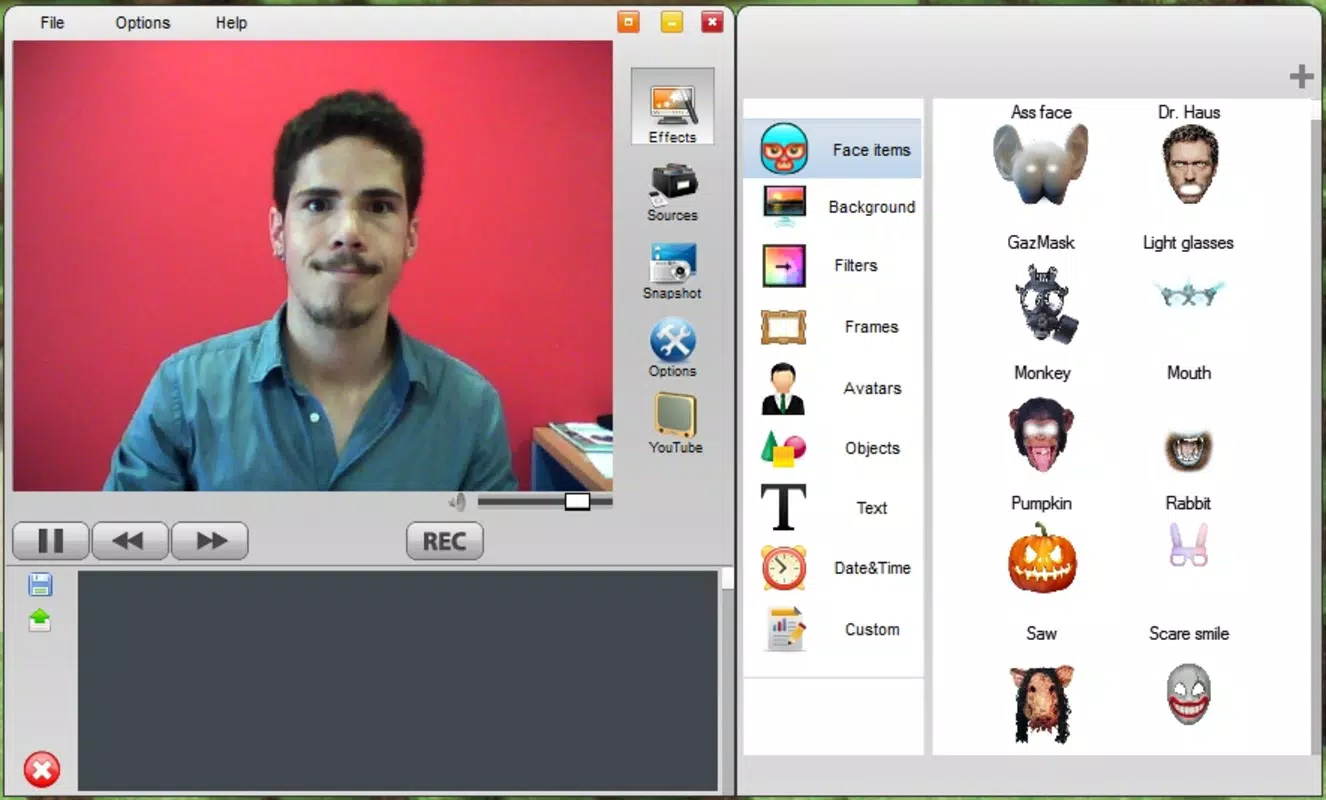
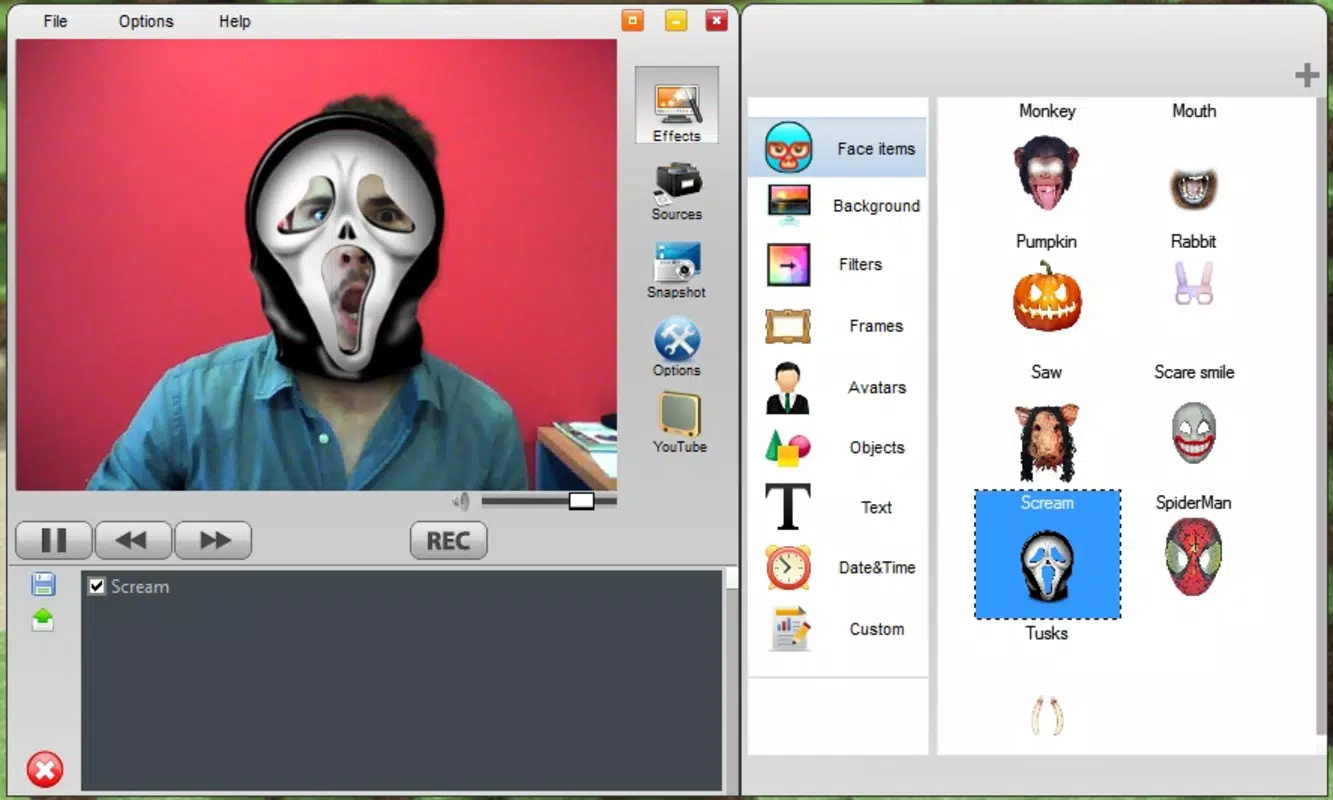
- Customizable Masks: Users can select from a variety of face masks, including humorous options like pig ears and popular character designs such as Spiderman. These masks are designed to be applied with minimal effort, enhancing the fun factor of video interactions.
- Background Replacement: Webcam Effects enables users to swap their physical background with a wide range of preloaded scenes, from office environments to fantasy landscapes. This feature allows for greater personalization and helps set the tone for different types of conversations.
- Playful Interaction Engine: The app’s primary function is to create moments of surprise and laughter. By allowing sudden changes in appearance or setting, it encourages spontaneous engagement, especially during informal video chats.
- Simple Interface: Designed with ease of use in mind, the app ensures that even users with limited technical experience can quickly navigate and apply effects with just a few taps.
For example, a user might apply a cartoonish mask during a team meeting to break tension, or switch to a tropical beach background for a virtual coffee chat with friends. These practical applications demonstrate how the app enhances both social and professional communication through creativity and humor.
Interface, UX & Performance
The user interface of Webcam Effects is structured around simplicity and immediate accessibility. Navigation is streamlined, with effect categories clearly labeled and easy-to-reach controls. The visual design prioritizes functionality over ornamentation, ensuring that users can focus on applying effects without distraction. The layout is intuitive, allowing for quick toggling between filters, masks, and backgrounds during live video sessions.
Although the developer did not list formal performance metrics, the app’s lightweight size of 34.8 MB suggests efficient resource usage. This indicates potential compatibility with a wide range of devices, including older smartphones and tablets. Responsiveness appears to be a strength, as the real-time effect processing implies low latency during video streaming. Stability is likely maintained through consistent updates, though specific information on crash rates or optimization was not provided.
Users can expect smooth operation across different device categories, though actual performance may vary based on hardware capabilities. The app’s design suggests it is optimized for mobile cameras and processing power typical of modern smartphones. Overall, the UX experience emphasizes speed, clarity, and ease of control, aligning with the app’s goal of delivering instant fun.
Platform Compatibility & Technical Requirements
Webcam Effects is available on both Android and iOS platforms, making it accessible to a wide user base. The current version is 1.0.0, with a file size of 34.8 MB. The developer did not specify minimum OS requirements or compatibility details for older devices. As such, users are advised to check their device’s operating system version against the app store’s listing for accurate compatibility information.
Given the app’s release date of 2011 and its continued availability, it is likely compatible with a broad range of devices, including those running older versions of Android and iOS. However, the absence of updated technical specifications means that users should verify support on their specific device before installation. The app’s small footprint further supports its potential for wide accessibility across different hardware tiers.
Pros and Cons
- Lightweight design with minimal storage impact
- Real-time effect application for instant visual changes
- Wide variety of playful masks and background options
- Simple, intuitive interface suitable for all skill levels
- Free to download and use
- Developer did not provide detailed system requirements
- Specific compatibility with older devices remains unclear
- No information on update frequency or future development
- Limited customization beyond preset options
- Performance may vary depending on device hardware
FAQ
Is Webcam Effects safe to install on my smartphone?
Yes, the app is available through official app stores and is free from known malware. As with any application, users should ensure they are downloading from trusted sources.
Can I use Webcam Effects on both Android and iOS?
Yes, the app is compatible with both Android and iOS devices. Check your device’s app store for availability.
Do I need a special camera to use the effects?
No, the app works with standard front-facing cameras found on most smartphones. No additional hardware is required.
Is Webcam Effects free to use?
Yes, the app is currently free to download and use. There are no in-app purchases or subscription fees mentioned in the official listing.
How often is Webcam Effects updated?
The developer has not disclosed the update schedule. Users are advised to check the app store for the latest version.
Final Thoughts
Webcam Effects remains a standout tool in the realm of video chat utilities, offering a simple yet effective way to bring humor and creativity to digital conversations. Its focus on real-time transformations, playful masks, and background customization makes it ideal for users who value entertainment and personal expression during video calls. Whether you're connecting with friends, collaborating remotely, or streaming online, this app enhances your virtual presence with minimal effort.
While the app lacks detailed technical documentation and modern UI polish, its enduring presence since 2011 speaks to its reliability and user appeal. For those seeking a free, lightweight, and fun solution to spice up their video chats, Webcam Effects delivers consistent value. Its ease of use and broad compatibility make it a smart choice for all ages and tech skill levels.
Download Webcam Effects now


